All projects
Project detail · technical deep-dive
widgetbook
A storybook for flutter
Role
—
Timeline
2023
Tech
—
44 page views
Experience the result
Live product, repository, or both—pick what matters for this case.
Description
I'm a big fan of the storybook and so I wanted to know if there was one for flutter, and what I found was amazing. Yes, there is and it is very complete and there are several features that help with the visualization of the widgets. It's easy to install
Firts Steps
flutter pub add widgetbookCreating new file for him and the first steps
- Create a new file widgetbook.dart in your lib folder and then add this code
import 'package:flutter/material.dart';
import 'package:widgetbook/widgetbook.dart';

void main() {
  runApp(const HotReload());
}

class HotReload extends StatelessWidget {
  const HotReload({Key? key}) : super(key: key);

  @override
  Widget build(BuildContext context) {
    return Widgetbook.material(
      addons: [],
      directories: [],
    );
  }
}
##Making magic
- First I recommend adding the addons that are defaults in the widgetbook installation
      addons: [
        CustomThemeAddon(
          setting: CustomThemeSetting.firstAsSelected(
            themes: [
              WidgetbookTheme( //Here you can change the theme
                name: 'Dark',
                data: AppTheme.darkTheme,
              ),
              WidgetbookTheme(
                name: 'Light',
                data: AppTheme.lightTheme,
              ),
            ],
          ),
        ),
        TextScaleAddon( //Here you can change the scale
          setting: TextScaleSetting.firstAsSelected(
            textScales: [0.5, 1, 1.5, 2],
          ),
        ),
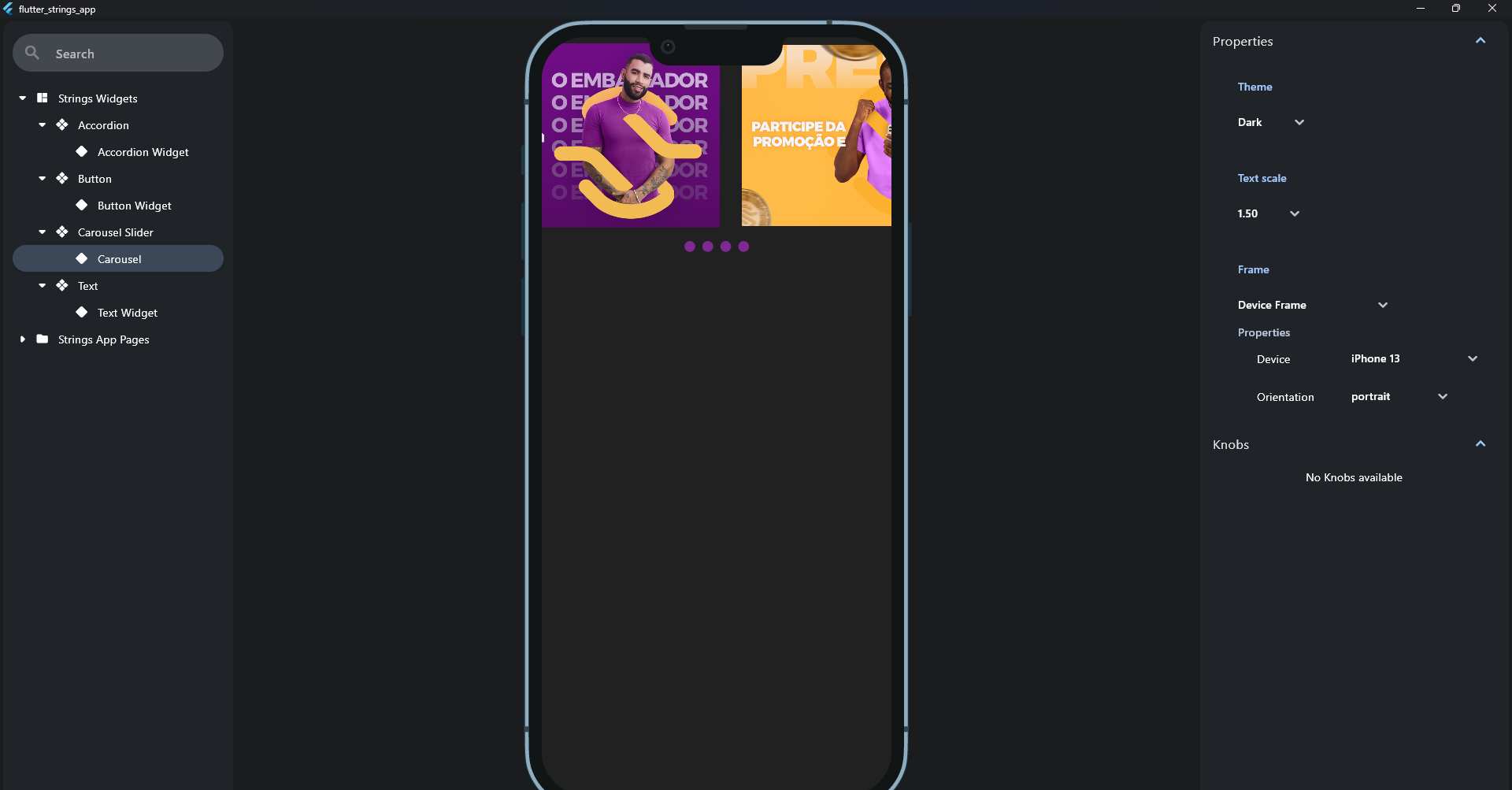
        FrameAddon( //Here you can put your widgetbook inside a frame view like desktop or iphone
            setting: FrameSetting.firstAsSelected(frames: [
          NoFrame(),
          DefaultDeviceFrame(
            setting: DeviceSetting(
              devices: devices,
              activeDevice: Apple.iPhone13,
            ),
          ),
          WidgetbookFrame(
            setting: DeviceSetting(
              devices: devices,
              activeDevice: Apple.iPhone13,
            ),
          ),
        ]))
      ],
      dire
Put some component
in directories: [], put your widgets just like this:
 WidgetbookCategory(
          name: 'Widgets',
          children: [
            AccordionWidgetbook(), //YOUR WIDGET HERE
          ],
        ),
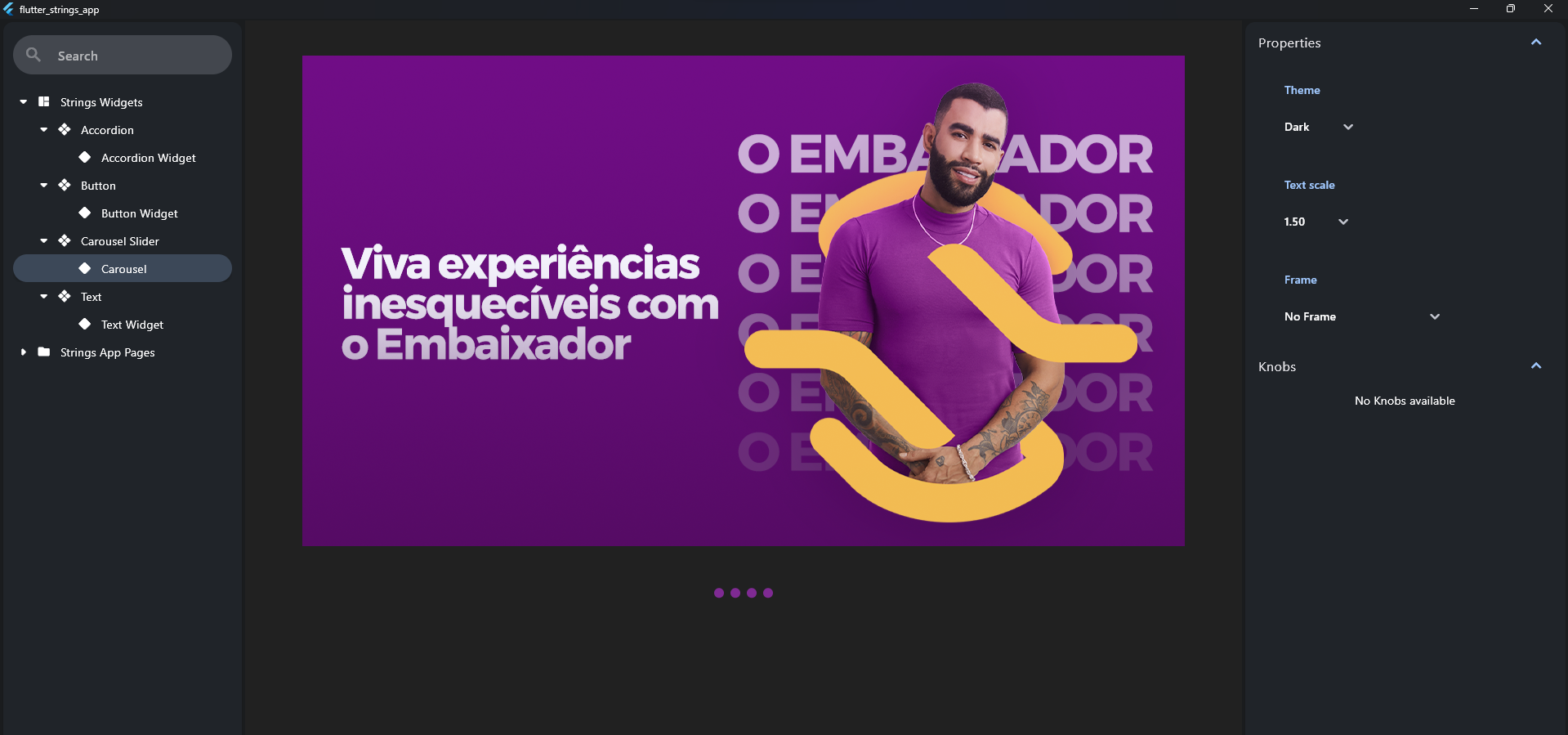
First run
For that, you just need to run the file where your widgetbook was placed
flutter run -d windows -t lib/widgetbook/main.dartResult 🪄